
Accessibility has become an essential factor when evaluating educational technology. Schools are expected to provide learning opportunities that support students with diverse needs, including those with learning differences, visual impairments, reading challenges, and other accessibility requirements. As a result, accessibility features are no longer optional additions—they are an important part of selecting instructional software.
Typing programs are often evaluated based on curriculum quality, reporting tools, and student engagement. However, accessibility can significantly influence whether students are able to fully participate in learning activities and demonstrate their abilities effectively.
Several popular typing platforms include accessibility features designed to support learners. TypingClub has invested heavily in accessibility and offers dyslexia-friendly fonts, adjustable font sizes, audio support, captions, and various visual accommodations. These tools can help improve readability and make lessons more accessible to a broader range of students.
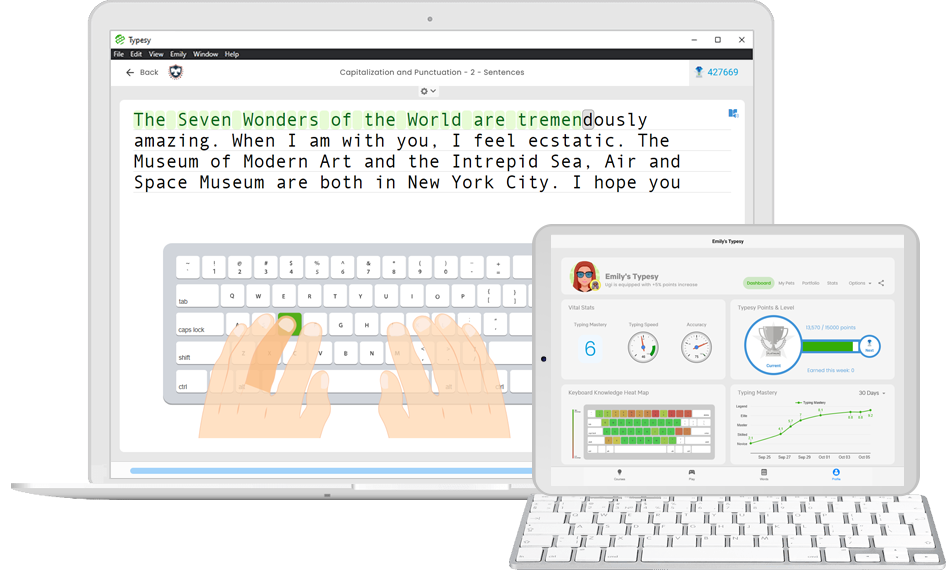
Typesy also provides a comprehensive accessibility toolkit. In addition to dyslexia-friendly fonts, adjustable text presentation, audio support, and captions, Typesy includes immersive reading functionality. Immersive reading tools can assist students by improving reading focus, supporting comprehension, and reducing barriers for struggling readers. These capabilities can be particularly beneficial for learners who require additional reading support while completing keyboarding and digital literacy activities.
Other typing platforms vary considerably in their accessibility offerings. Some provide basic visual adjustments, while others focus primarily on keyboarding instruction with limited accessibility customization. For schools serving diverse student populations, understanding these differences can help ensure that instructional resources remain accessible to all learners.
Accessibility also extends beyond visual accommodations. Closed captions can help students who are deaf or hard of hearing access instructional videos and multimedia content. Audio support may assist emerging readers, multilingual learners, and students who benefit from multimodal instruction. Adjustable display settings can help students customize their learning environment to meet individual preferences and needs.
When evaluating typing software, schools should consider how accessibility features integrate with daily instruction. A feature may exist, but its effectiveness often depends on how easily students can access and use it within the learning experience. Educators may also want to review whether accessibility tools are available across devices, including Chromebooks, tablets, and desktop computers.
Another important consideration is future scalability. As districts adopt inclusive learning practices, accessibility requirements may continue to evolve. Choosing software with a strong accessibility foundation can help ensure that instructional programs remain effective for a wide range of learners over time.
Accessibility is ultimately about creating equitable opportunities for success. While curriculum content and reporting tools remain important, schools should also evaluate how effectively a typing platform supports diverse learners. Features such as immersive reading tools, dyslexia-friendly fonts, captions, audio support, and customizable display settings can make a meaningful difference in helping students engage with content and develop confidence in their skills.
By carefully reviewing accessibility capabilities, educators can select typing software that not only teaches keyboarding but also promotes inclusive and supportive learning experiences for all students.
